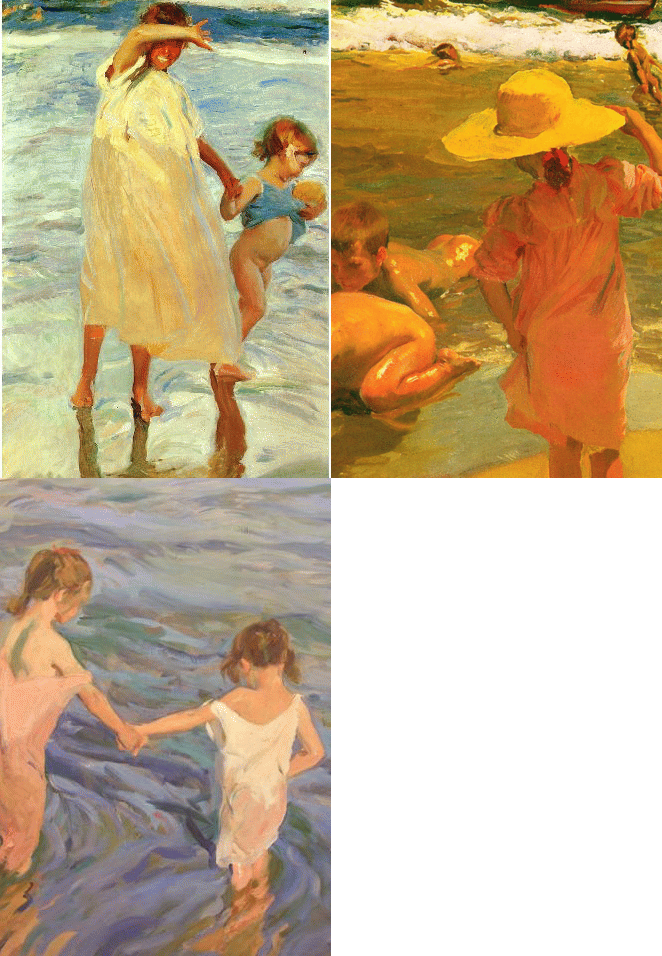
Padlet is an interactive online learning wall where the user can add images, media, files, pdf’s, and just about anything else they want to create a unique learning environment. I recently used Padlet with my students to look at and discuss benchmark artwork. What I loved within Padlet was that my students could interact and discuss the artwork right on Padlet without an account. I was also able to embed the Padlet that I created within my classroom Wiki. * Padlet is now the former Wallwisher with many more capabilities. Add Comment Create a different and unique kind of free site that is a compilation of information and data with Silkapp. Via Richard Bryne What will you read this summer? Goodreads is an interesting website with many features geared to help you decide! I spent quite awhile at Goodreads exploring the site and all it’s features. Goodreads is also a community of readers sharing their likes and dislikes. The site has been up and running since 2007 and has 17 million readers reviewing and sharing what they have read. I really like the bookshelf feature which allows you to organize the books that you have already read, or want to read. From Art journaling, scrapbooks, media processes, materials organization and just plain great visualizations, Limor Webbor’s Mixed Media Fridays You tube Video stream is a treasure trove of ideas and inspiration! The story behind the Photo is powerful. Migrant Mother, a commanding, strong, and famed photograph by Photographer Dorothea Lange tells a powerful story of mothers love. At Eschersketch you can create cool Escher type designs right on your screen. Change colors, line thickness and design on Eschersketch to make beautiful backgrounds and patterns. I just love the freedom in this tool and plan on using it with my Graphic Design kids tomorrow! Just screenshot or snip your screen to save your image.Created by MIT License Anselm Levskaya. Love it! |


RSS Feed