Exobrain

01/17/2013

0 Comments

 
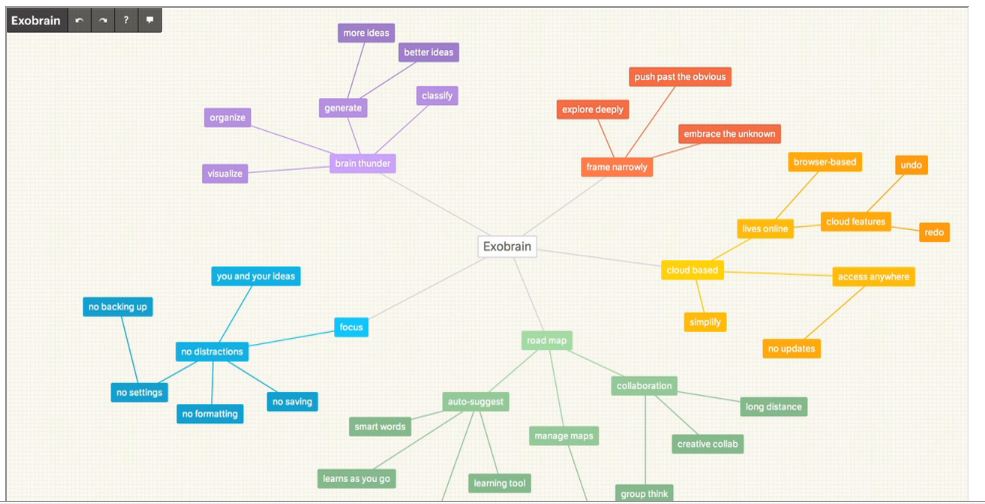
Exobrain is a productive online Mindmapping & Brainstorming tool. It’s easy to use, allowing you to imagine and create your ideas visually. I’m going to use Exobrain for critique, brainstorming for ideas after an artistic prompt, and creating classroom rules!


Wikibrains is a new public brainstorming tool that creates ideas via mind maps. Via Richard Bryne


Picture
Assigning prompts within the creative art making process allows students to problem solve at a higher level. Brainstorming lists and using assorted visual online tools can help students imagine many more options than they originally considered. I have used an assortment of these tools to help my AP Studio Art students develop their Concentration ideas. Previously I featured Webspiration, which is an excellent tool for brainstorming and collaboration. The following applications are visual dictionaries and thesauruses which allow students to picture variations of words or ideas.

Snappy Words, my favorite, gives students access to other words and their definitions quicker than thumbing through a thesaurus.

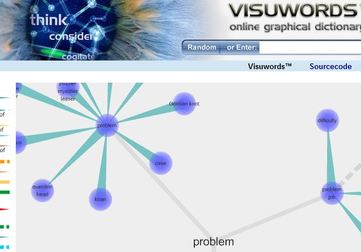
Visuwords is also an online graphical dictionary. Students can look up word definitions and discover their associations with other words and concepts. Visuwords allows you to learn how words associate and create diagrams that are suggestive of a neural net. In the process of art creation these tools can be really helpful.

Lexipedia and Wordnik are similar tools with a slightly different look.


All of these tools allow you to enter words into a search box to look them up or double-click nodules to expand the tree or search.


Webspiration, Wisemapping and Mindmeister are all Mind Mapping tools. They are superb tools for visualization and interactive learning in the Art’s classroom. Art teachers are visual folks. The following group of online mind map applications, are excellent tools for brainstorming, idea mapping, promoting critical thinking, creating lists, and classifying. With a free account users can collaborate with others, share via email or embedding, and download or export files. One of the features I like a lot is the ability to add hyperlinks to websites. The linking attribute is a good one for students trying to organize their thoughts for a research piece. Check them out
Picture
Picture
Picture